01
8 pose presets
Frame soles, toes, close-ups, standing poses, shoes, pedicures and more.
Free text-to-image tool
Turn a written idea into a custom feet image in seconds. Choose a realistic or anime look, select the pose and framing, refine the visual details, and download the result without creating an account.
01
Frame soles, toes, close-ups, standing poses, shoes, pedicures and more.
02
Switch between a photographic result and a clean illustrated style.
03
Generate square, portrait, vertical, standard or landscape images.
04
Use, edit, publish, share or sell the images you create.
Generated examples
These five images show different visual directions available from the generator. Use them as inspiration, then choose your own pose, style and details on the home page.
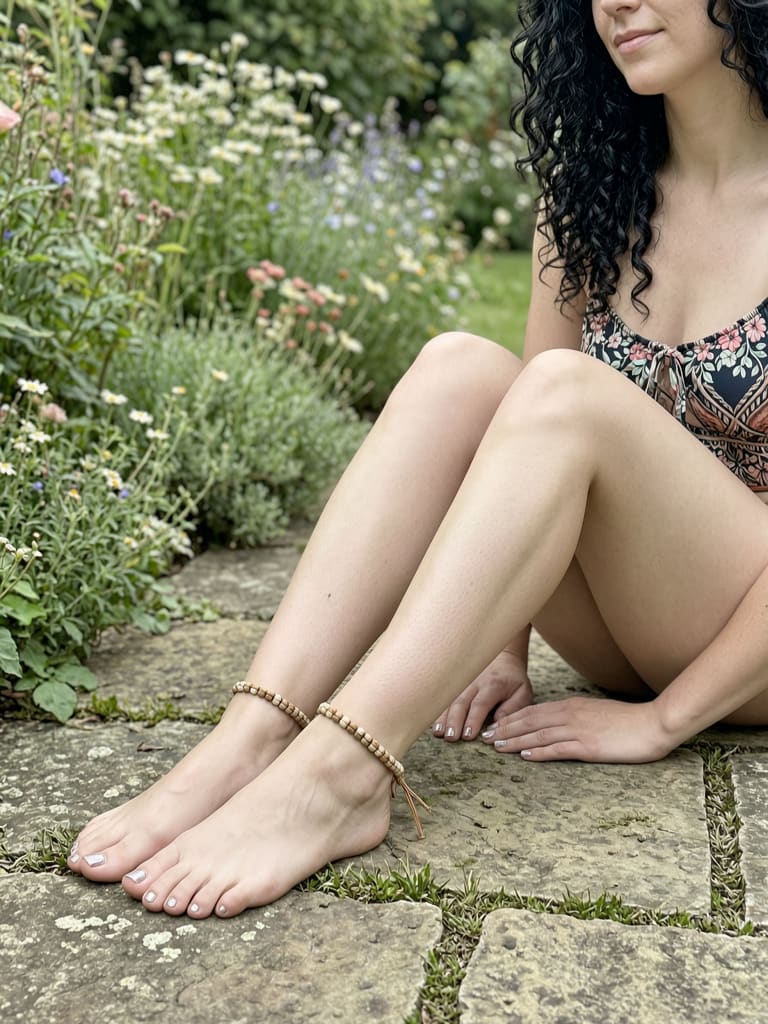
A seated outdoor composition with natural light, bare feet and subtle accessories.
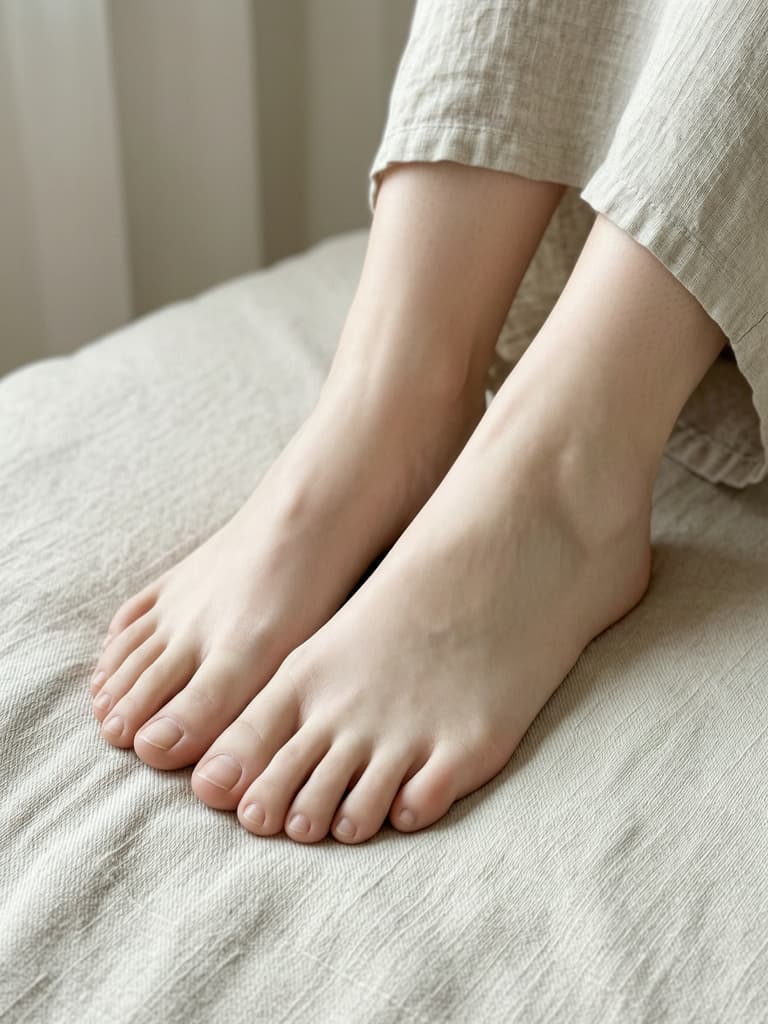
A soft indoor crop that keeps natural skin texture and relaxed feet in focus.
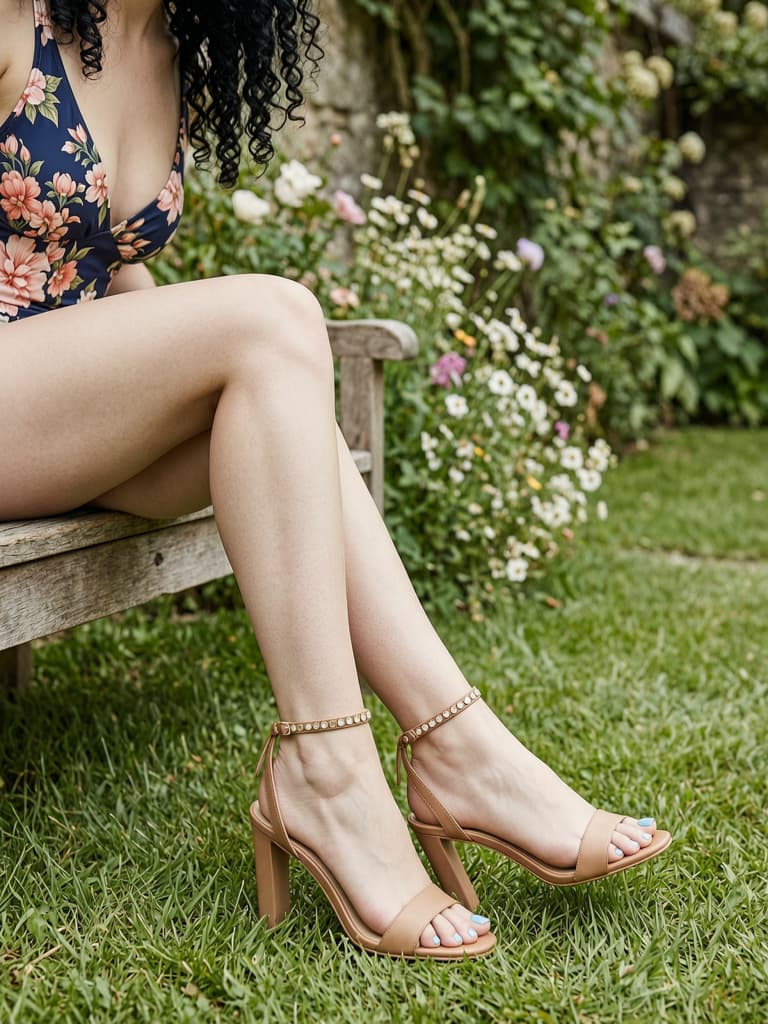
An outdoor fashion concept featuring strappy heels and a polished seated pose.
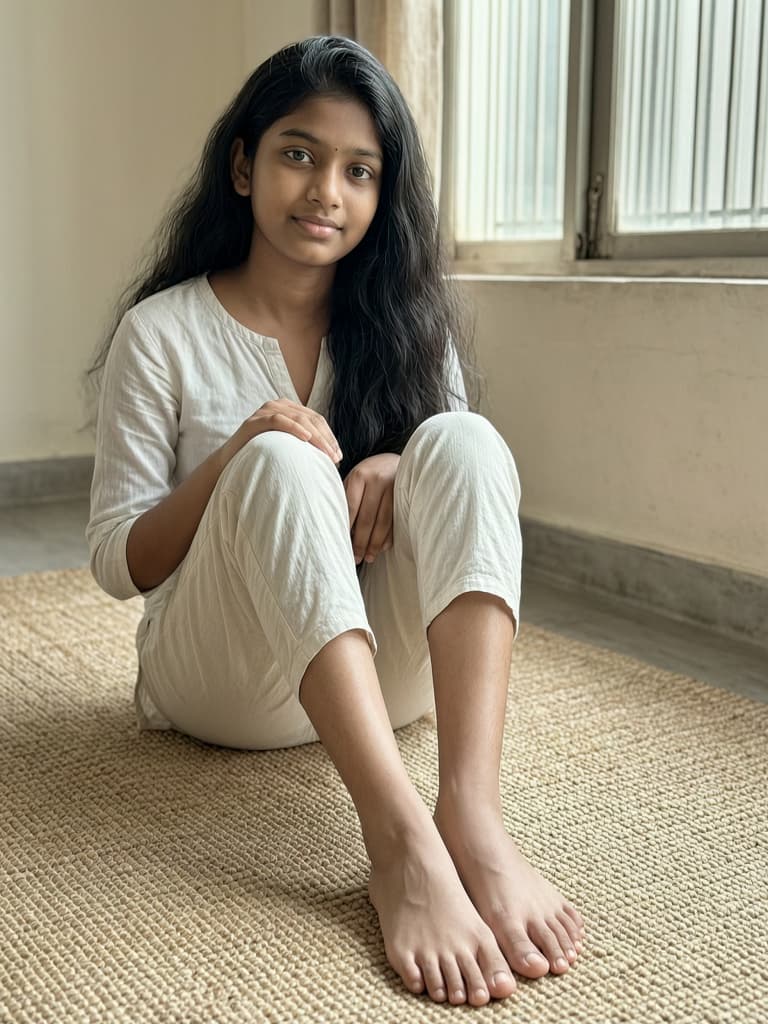
A relaxed indoor scene that includes the subject, setting and full barefoot pose.
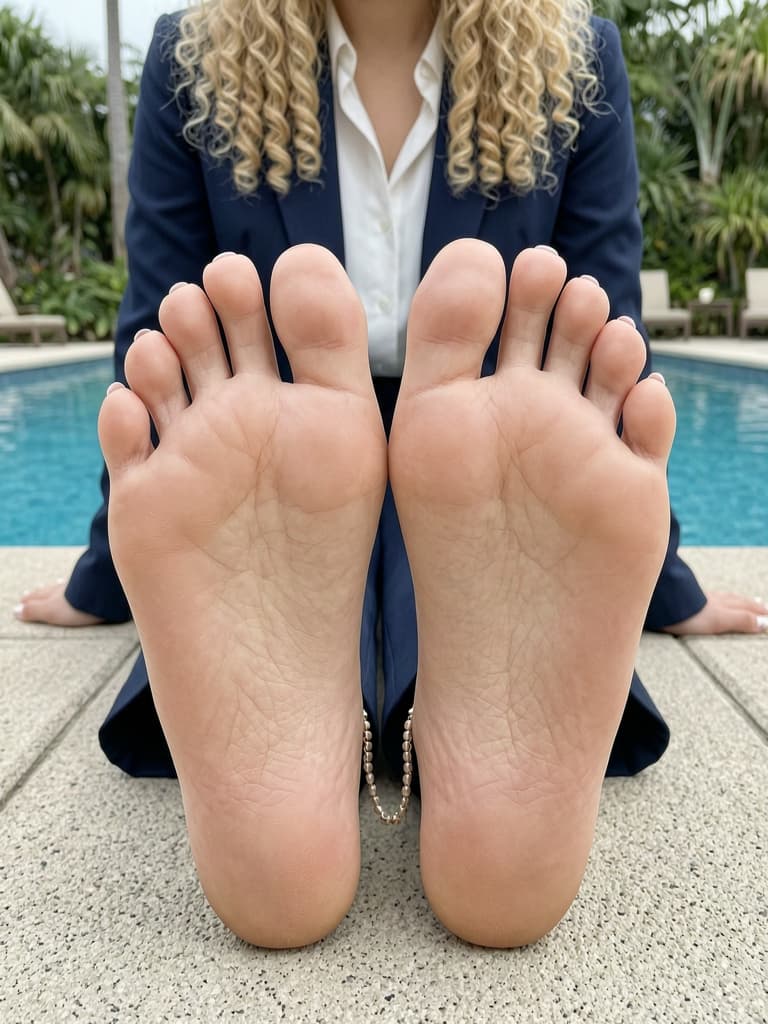
A feet-first poolside composition with both soles facing the camera.
How it works
The generator combines feet-specific controls with your own description, so you can direct the composition without writing a complicated prompt from scratch.
Start with the angle you need, from a sole-facing close-up to a standing or footwear shot. Then select the aspect ratio for your intended layout.
Choose realistic or anime, then describe the lighting, location, skin tone, styling or other details that should shape the image.
Review the result, download it without a watermark, or adjust the prompt and generate another version when you want a different direction.
Purpose-built controls
Feet can be difficult to frame consistently with a general image tool. This workflow puts the pose first, then lets you shape the surrounding visual details.
Feet-specific presets establish the angle and crop before the rest of the prompt is assembled.
Adjust appearance, clothing, location and small details such as socks, nail polish or an anklet when they fit the shot.
Use realistic mode for photo-style concepts or anime mode for illustration and character references.
Anonymous results are stored temporarily and automatically deleted after approximately one day.
Ways to use your images
The same controls can support several kinds of visual work, from planning a composition to producing a finished asset.
01
Explore a specific pose, perspective or lighting setup before developing an illustration.
02
Visualize sandals, heels, socks or pedicure ideas in a studio, spa or lifestyle setting.
03
Produce a custom visual for a blog, social post, moodboard or other online project.
04
Compare crops and scene ideas before arranging a real shoot, location or product setup.
Commercial use
As between you and AI Feet Generator, you may use, edit, publish, share or sell the images you create here for personal or commercial purposes. We do not claim ownership of your generated images.
You can sell AI-generated feet pics as standalone digital images or use them in a larger commercial project.
Crop, retouch, combine, brand or otherwise transform an output to suit the product or audience you are creating for.
Before listing on FeetFinder or another platform, check its latest rules for AI content, disclosure, verification and acceptable material.
Do not use a real identifiable person, protected character, trademark or other third-party material unless you have the rights required for that use.
Common questions
Yes. You can generate and download images without entering payment details or creating an account. Fair-use limits may apply when the service is busy.
Choose a pose, select realistic or anime mode, describe the scene, and set the aspect ratio. Generate the image, then refine the prompt or controls if you want another version.
You can control the pose, visual style, aspect ratio, subject appearance, clothing, location and optional details such as socks, nail polish, an anklet or barefoot styling.
Yes. As between you and AI Feet Generator, you may sell or otherwise use the images you generate for commercial purposes. You are responsible for following the destination platform's rules, applicable law and third-party rights.
The service is for safe-for-work images depicting adults. Pornographic, nude, explicit or sexual content, minors, unauthorized real people and unlawful or infringing material are not allowed.
No. The site does not add an AI Feet Generator watermark to downloaded results.
No public gallery is attached to anonymous use. Generated images are stored temporarily and automatically deleted after approximately one day.
Ready to create
Choose a pose, describe the look and generate a watermark-free result directly in your browser.